Thank you for using Uber Template. You’ve installed Uber’s core theme successfully. Now you can build any sample site like our Demo.
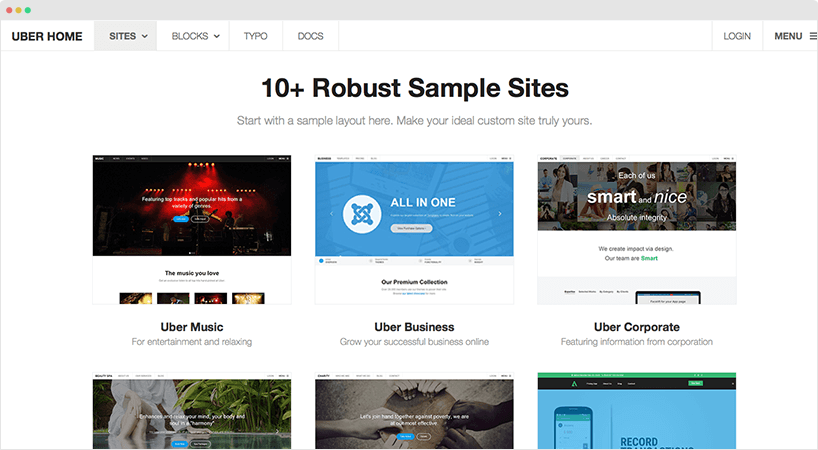
Follow these easy steps:
NOTE: The installation should be implemented ONCE. If you proceed it again, all your data will be overridden. So the feature will be disable after the first successful installation.
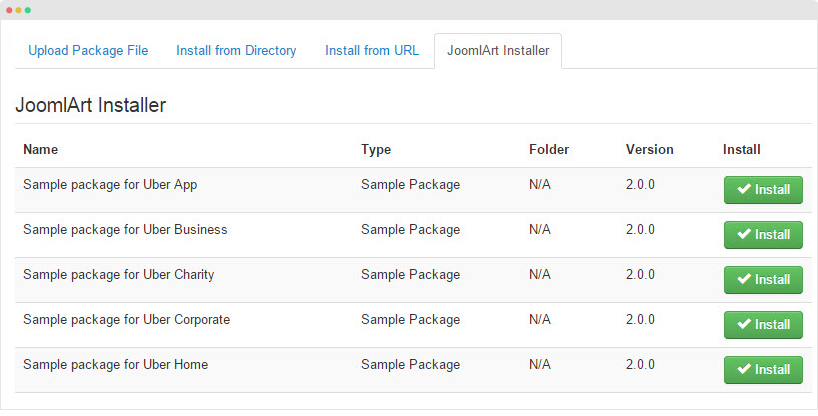
Step 1Access your site back-end panel, go to Extension > Extension Manager. Navigate to the JoomlArt Installer tab, install the sample site package you want.
Step 2 - Congratulation! You are done, the Uber is now ready.